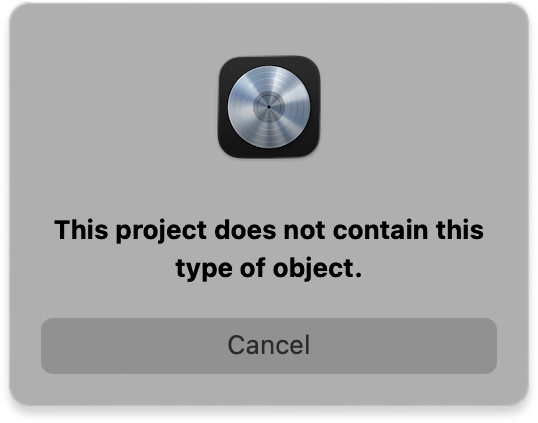
If this Logic pop-up warning appears while Auto-Bounce is scanning, it simply means there are no AUX channels in the project.
How to fix it
Just add one AUX channel:
On any track, create a Send → Bus 1 (or any bus).
Logic will automatically create an AUX return.
Re-scan in Auto-Bounce.
That’s it — the message disappears as soon as at least one AUX exists.
Was this article helpful?
That’s Great!
Thank you for your feedback
Sorry! We couldn't be helpful
Thank you for your feedback
Feedback sent
We appreciate your effort and will try to fix the article